Solo founder
You need to show a booking idea to someone who cannot evaluate a feature list alone.
Adapt a relevant screen so the conversation can focus on choices, labels, and the next action—not decoration.
Template workflow
Free figma mobile app templates can give an app design project a visible starting point. Choose a layout that fits your task, then replace its sample content and test whether the flow still makes sense.
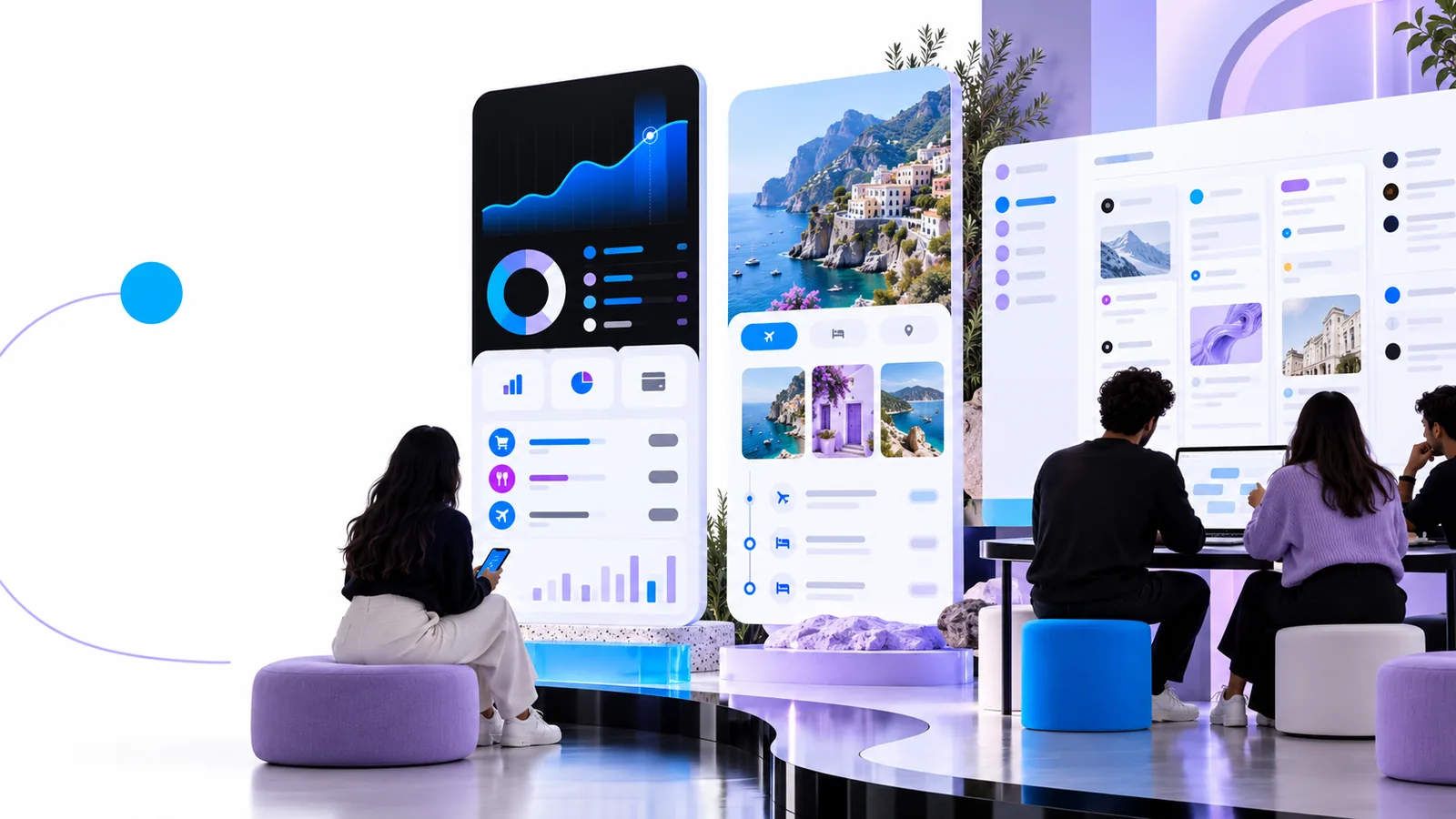
A template-led route begins with an existing screen pattern; general app design begins with the problem and chooses a pattern afterward. The comparison below makes that distinction concrete.
A useful template supplies a screen structure, a repeatable visual pattern, and something specific to critique. The work is deciding which parts deserve to stay.
You need to show a booking idea to someone who cannot evaluate a feature list alone.
Adapt a relevant screen so the conversation can focus on choices, labels, and the next action—not decoration.
You are comparing two ways to organize a mobile checkout.
Use a template as one candidate, then judge its hierarchy against the task rather than treating it as a finished answer.
A sample screen looks polished but its navigation may not fit the intended device context.
Keep the useful content structure while reviewing platform expectations, spacing, and touch targets.
You can edit a screen but are unsure what to change first.
Work from the user's main task toward labels, states, and visual priority in a deliberate sequence.
Treat the template as a draft to interrogate, not a shortcut around product decisions.
Write down who uses the screen and what they need to accomplish. For app design, “book a visit” gives clearer direction than “make a modern home screen.”
Look for a template with a similar task and content hierarchy. Check its usage terms and editability before committing time to it; a visual match alone is not enough.
Insert realistic labels and content. Follow the primary action through its next screen, then inspect missing states such as errors, empty results, and confirmation.
Use this side-by-side view to decide whether an existing mobile layout helps your particular app design task.
| Figma template starting point | General app design starting point | |
|---|---|---|
| First decision | Which existing screen best matches the task? | What must the user accomplish? |
| Initial material | An existing layout, if its creator makes it available for your use | A task description, rough flow, or blank canvas |
| Early advantage | Visible hierarchy that can be evaluated and changed | Freedom to define the structure before styling it |
| Main risk | Keeping attractive elements that do not support the task | Spending too long deciding where to begin |
| Content work | Replace sample copy, imagery, and data | Define content needs before arranging them |
| Flow work | Check what happens before and after the supplied screen | Map the flow before refining individual screens |
| Review question | What should be removed or adapted? | What structure should be created? |
This guide is Figma-adjacent; App Design is not Figma and does not supply or verify a Figma template library.
This page does not provide a specific Figma file or confirm that a third-party file remains available.
What to do instead
Check the source of any template you find, including its current access terms.
A screen made for another app can hide missing decisions about your users, content, and navigation.
What to do instead
Compare every prominent element with the task you wrote down before retaining it.
A template described as free may still have conditions on attribution, redistribution, or commercial use.
What to do instead
Read the creator's license for the exact file you plan to adapt.
A polished screen cannot establish whether someone understands the flow or can complete the task.
What to do instead
Walk through realistic scenarios and observe where labels or next steps cause hesitation.
Describe the user's task, the content the screen needs, and the action that follows. Whether you adapt an outside template or begin without one, those decisions give your app design work a stronger basis.
Look for templates shared by their creators and check each source's current access and usage terms. This page explains how to evaluate and adapt a template; it is not a Figma template directory.
That depends on the license attached to the specific file, not the word “free” in a search result. Review its commercial-use, attribution, and redistribution conditions before incorporating it into a product.
An existing screen can make hierarchy and spacing easier to inspect. Beginners still need to replace sample content, understand the intended flow, and question elements that do not serve their app.
Write down the main task and a rough sequence of screens first. You can then select a template because it supports that sequence, rather than reshaping the product around a convenient layout.
No Figma file or template library is promised on this page, and App Design is not affiliated with Figma. Use this guidance to plan a template-led workflow and verify any third-party resource at its original source.