
From problem to screen

Turn app design ideas into testable screen plans

Looking for app design ideas? Start with a task someone already struggles to complete, then sketch the shortest path through it. App Design helps you think through the screens before you move into a browser-based design workflow.

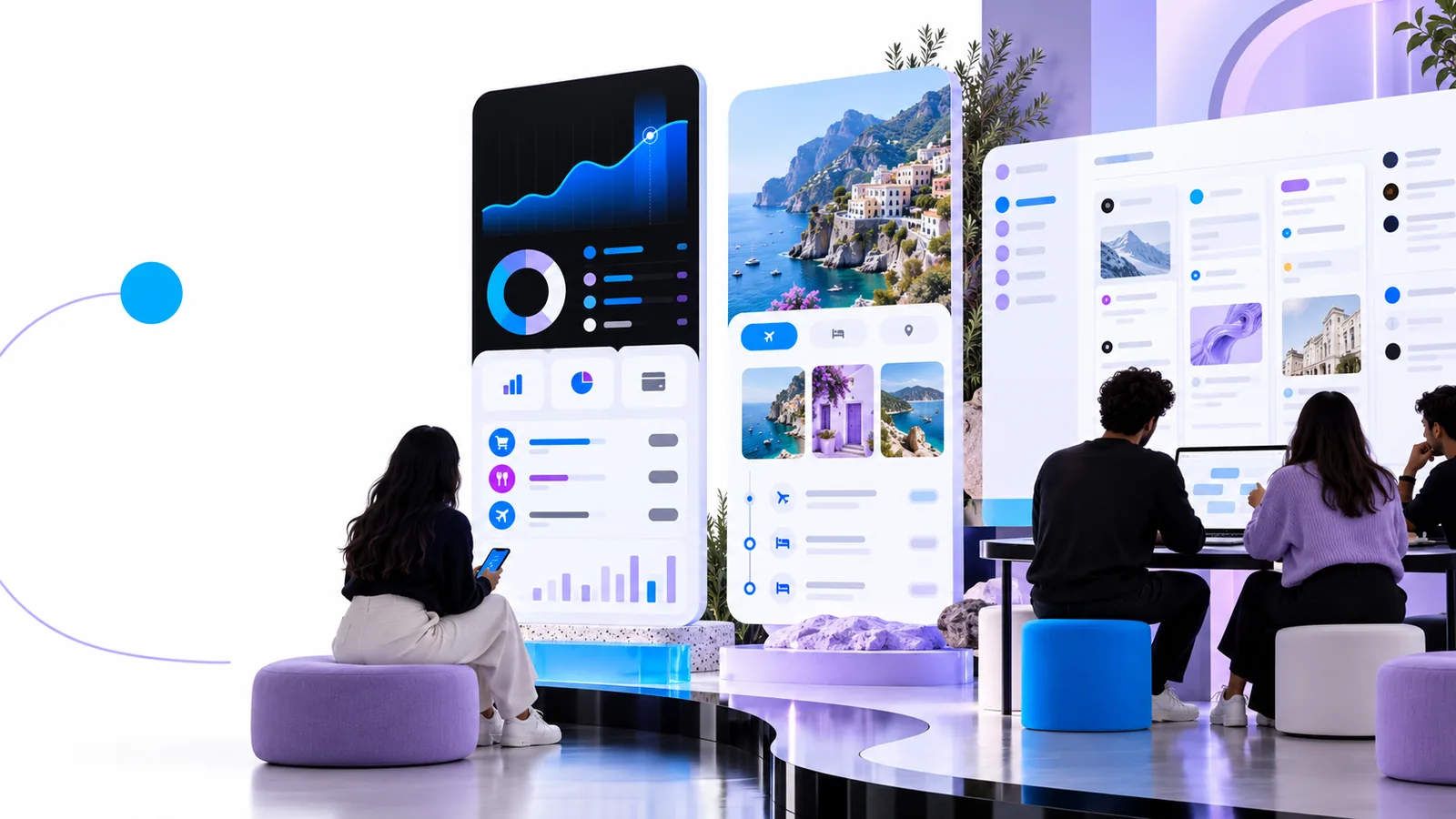
App Design landing-page visual showing a creative design workspace

where we slot in

Use this page to narrow a problem into a concept and a screen sequence. It is a planning aid, not a substitute for research or implementation.

1

An idea is not user evidence

A plausible app design concept cannot tell you whether people experience the problem often enough to change their behavior.

What to do instead

Ask prospective users to describe the last time the problem occurred before investing in polished screens.

2

A screen plan is not a working product

A visual direction does not define data handling, accessibility behavior, security requirements, or the engineering needed to make an app function.

What to do instead

Pair each screen with a short note about its required data, states, and technical dependencies.

3

A reference is not a reusable template

An appealing layout may rely on assets, permissions, or interactions you cannot carry into your own project.

What to do instead

Borrow the underlying pattern, then replace its content and check whether the pattern still supports your task.

Develop one concept at a time

A small app design exercise makes competing ideas easier to compare without building every possible feature.

  1. 1

    Name the recurring task

    Write one sentence about who needs help and what they are trying to finish. For example, a household organizer might help roommates record shared expenses immediately after a purchase. Avoid starting with a feature list.

  2. 2

    Sketch the shortest journey

    Identify the entry screen, the main action, and the confirmation. For shared expenses, that could mean a balance overview, an add-expense form, and a saved-entry state. Note what happens when information is missing or an entry fails.

  3. 3

    Check the idea against reality

    Show the sequence to someone who performs the task. Ask what they would tap first, what information they expect, and where they hesitate. Revise the flow before spending time on colors or decorative details.

before/after

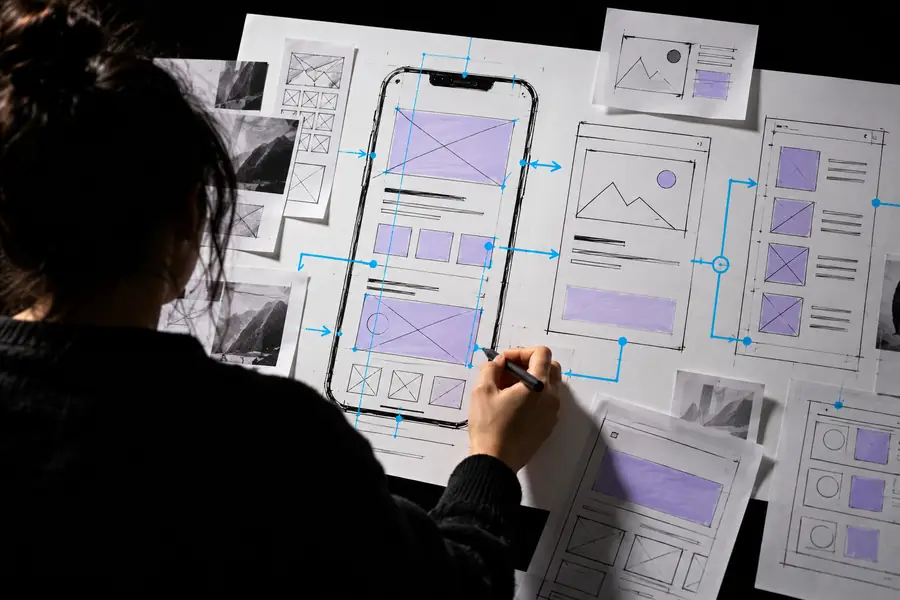
The useful change is from a broad theme to an interface that supports one complete task.

Early wireframe used to consider a screen layout
Before: a loose layout
Visual reference for a more developed app concept
After: a task-led direction

Treat the images as planning references, not as evidence that a particular feature has been built. A stronger app design brief states the user, the action, the information needed, and the success state.

Before: a loose layoutAfter: a task-led direction

deliverable spec

Each scenario below suggests a concrete output: a short flow, essential screen content, and a question to test with its intended user.

Local volunteer coordinator

People need to claim an available shift without sending messages back and forth. Plan an opportunity list, a shift detail screen, and a clear confirmation that states the time and location.

Deliver a three-screen flow and test whether a first-time volunteer can identify what they have committed to. Keep cancellation and full-shift states visible in the plan.

mobile app design ideas

Independent fitness coach

Clients forget which exercise comes next during a session. Plan a session overview, an exercise detail, and a completion state with a readable progress cue.

Deliver a screen outline that works when someone is moving, tired, or glancing at a phone. Test whether instructions and the next action remain easy to find.

mobile app design ideas

Neighborhood food pantry

Donors want to know which supplies are needed today. Plan a current-needs list, an item detail with useful quantities, and a drop-off information screen.

Deliver a content-first flow and identify who keeps the needs list accurate. Test whether a donor can act without mistaking an outdated request for a current one.

mobile app design ideas

Take the next step

Choose the scenario with the clearest user need. Bring its task statement, screen sequence, and unanswered questions into the next design session. App Design can help you frame the work; the linked browser workflow is where you can explore how to carry it forward. Check its available capabilities before relying on a particular feature.

Move one clear concept into a browser workflow

  • Start with one user task
  • Describe the essential screens
  • Keep untested assumptions visible
Explore the workflow

scenario FAQ

List tasks people already complete with notes, messages, or spreadsheets. Look for a task with a clear beginning and end, then sketch what a simpler path might show on screen. A specific inconvenience is more useful than a broad category such as productivity.

Ask people who encounter the problem how they handle it now and where their current method breaks down. If you can describe a repeatable task and a meaningful improvement, it is worth testing as a small screen flow. That is a reason to investigate, not proof of demand.

Include the intended user, the task they want to finish, and the minimum screens needed to complete it. Record the content each screen must show, plus an empty, error, or confirmation state where relevant. Leave secondary features for a later pass.

No. A readable sketch or simple wireframe is enough to ask someone what they expect to happen at each step. Early feedback is most useful when it can still change the flow, labels, and priorities.

Start designing
Start designing