Solo founder
You need to show the first mobile task before discussing implementation.
A template can help you inspect screen structure, but replace sample content with your actual user goal and check the complete route.
Software capabilities
App design software is useful when a screen idea needs more than a visual sketch. Start by deciding whether you need to map a task, define reusable interface patterns, or prepare decisions for a product team; then choose a browser workflow that supports the work you can verify.
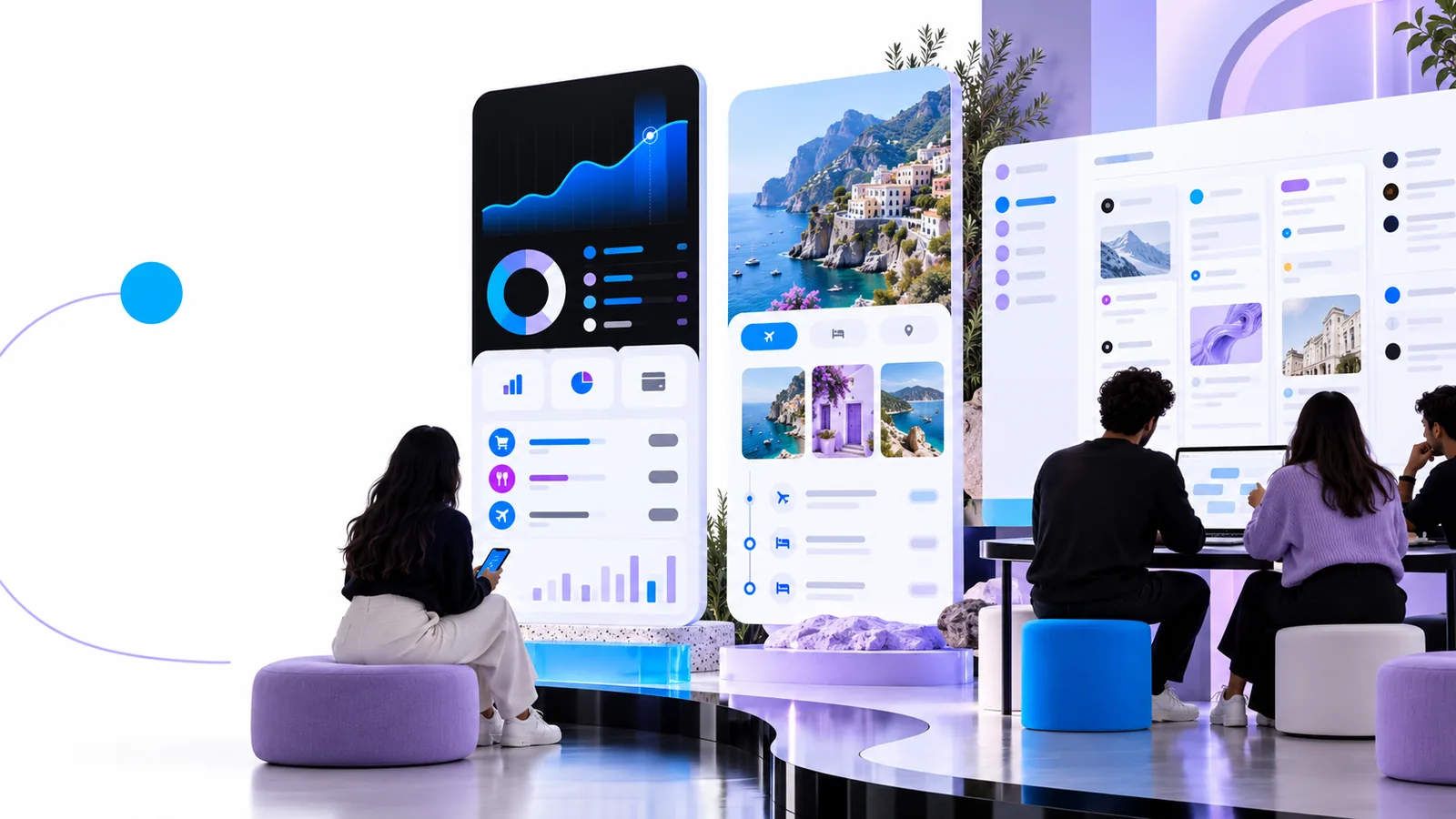
The distinction is a question of scope: are you exploring a direction, or making interface decisions that must hold across several screens? The comparison below gives you a way to choose.
A software-focused app design process earns its place when it helps you make connected decisions, not merely draw a more polished screen.
Write the user's goal, then trace the screens from entry to completion. A welcome screen may look convincing alone, but the app design problem becomes clear when the next action, an error, and a return path must also make sense.
Record the same navigation, labels, spacing decisions, and feedback states wherever they recur. This turns a collection of attractive frames into a consistent interface specification that a teammate can review.
Review a realistic task against each screen: can someone find the primary action, understand what changed, and recover from a mistake? Capture unresolved questions instead of presenting a visual draft as a tested product.
Use this table as a starting checklist. It compares two ways to approach the work, not verified feature lists for a particular product.
| General browser entry | Software-focused app design process | |
|---|---|---|
| First input | A rough screen idea or visual reference | One user goal and the task it must support |
| Initial scope | One screen to explore a direction | A small sequence, including what happens next |
| Navigation | Suggested by the composition | Named and checked against the user's route |
| Repeated elements | Considered as the draft grows | Documented so screens stay consistent |
| States | Often begin with the default view | Include empty, error, and completion questions |
| Review question | Does the direction communicate the idea? | Can someone complete the intended task? |
| Next step | Choose a promising direction to develop | Identify what needs testing or implementation detail |
A browser-first design process can organize decisions, but a screen draft is not a usability test, working application, or guarantee that a particular tool provides every capability you need.
You need to show the first mobile task before discussing implementation.
A template can help you inspect screen structure, but replace sample content with your actual user goal and check the complete route.
You have a visual direction but no agreed navigation or error behavior.
Map the missing states before refining details; a maker workflow may help you explore, but it cannot settle product rules on its own.
The team needs to distinguish a visual proposal from an implementation specification.
Review flows, labels, and unanswered behavior questions together, then record technical constraints separately.
You are polishing components while the wider task remains unsettled.
Separate interface styling from the app's navigation and task logic so neither is mistaken for the other.
Open the browser entry point with one user goal in mind. Outline the first screen, what follows it, and the questions a teammate would need answered before treating the draft as a plan. Check available product capabilities in the destination rather than assuming a desktop download or a particular export option.
Look for a way to examine more than one screen, keep repeated interface decisions consistent, and review what happens when a task succeeds or fails. Verify any specific collaboration, prototyping, or export capability on the tool's own site before relying on it.
Not necessarily. A browser-first entry point can help you begin planning screens and flows without assuming there is a desktop application; check the destination's current requirements for its actual workflow.
A mockup shows a screen at a moment in time. A software-focused app design process also asks how someone reaches that screen, what action follows, and which patterns or states need to remain consistent.
A draft gives you something concrete to review, but it does not prove that people can complete a task. Ask someone unfamiliar with the design to work through a realistic scenario, then revise the confusing steps.
Write one sentence describing what the user wants to do and sketch the first action they would take. Add the next screen only after you can explain why it is needed; this keeps the initial scope manageable.