A clear starting point
What is the best app design for a useful product?
What is the best app design? It is not one visual style or a single screen. It is a deliberate system that helps people understand, navigate, and complete tasks with confidence. App Design explains the core ideas and gives you a browser workflow for exploring them.
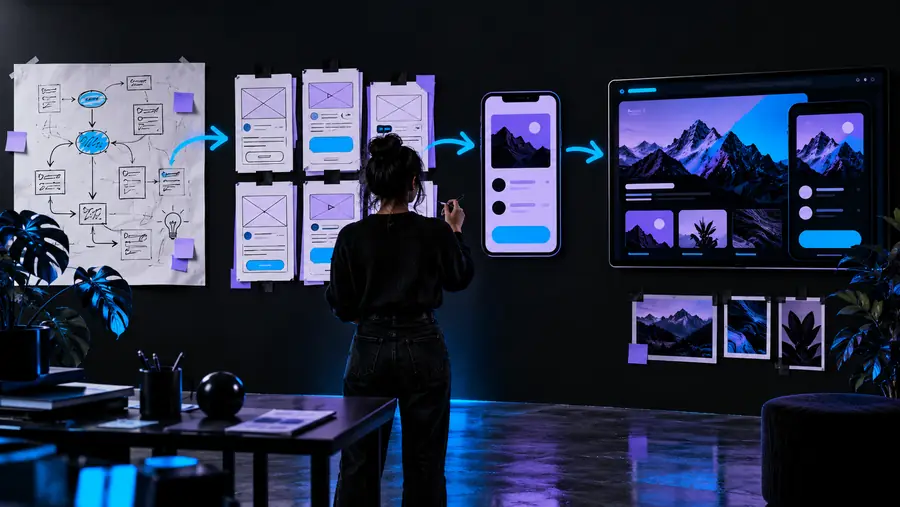
How app design works
Good app design turns a product goal into a sequence of decisions. The process can stay lightweight at first, then become more detailed as the idea earns confidence.
-
1
Frame the user task
Name the person, situation, and outcome the app should support. A focused task gives app design a useful boundary instead of starting with decoration.
-
2
Shape the main flow
Arrange the essential screens and actions in a sensible order. Sketch the path from entry to completion before refining colors, type, or component details.
-
3
Test and refine
Review the flow for confusion, missing states, and unnecessary effort. Adjust the interface until the visual choices support the task rather than competing with it.
What app design can and cannot do
A design is a working description of an experience, not the finished product itself. This comparison shows where a thoughtful interface creates value and where another discipline must take over.
| Strong app design | An app design concept alone | |
|---|---|---|
| User direction | Makes the next useful action visible. | Cannot guarantee that every user will understand the flow. |
| Visual hierarchy | Uses type, spacing, color, and grouping to set priorities. | Cannot replace clear content or a sound product decision. |
| Interaction planning | Shows states, transitions, feedback, and common paths. | Cannot implement behavior without engineering. |
| Accessibility thinking | Can account for contrast, readable type, touch targets, and focus order. | Cannot prove accessibility without testing with users and assistive technology. |
| Product alignment | Connects screens to a defined task and audience. | Cannot decide whether the underlying business idea is worthwhile. |
| Team communication | Gives product, design, and engineering a shared reference. | Cannot remove the need for discussion, review, and iteration. |
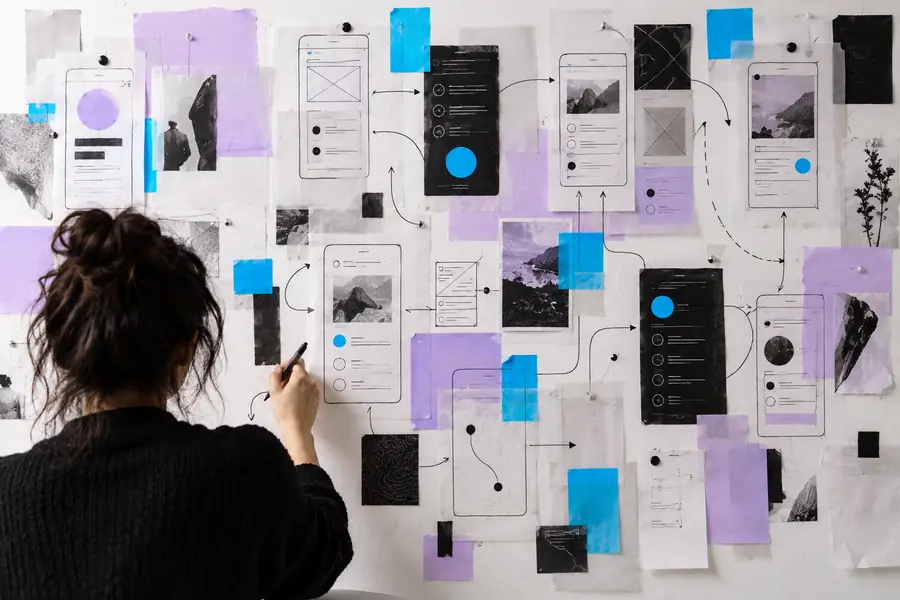
The difference is not decoration alone; it is the clarity of the user path.
Unstructured conceptDirected experienceIt cannot validate demand by itself
A polished interface does not prove that people need the product or will return to it.
What to do instead
Pair the design with interviews, prototypes, and evidence from real use.
It cannot replace working software
App design can describe behavior and states, but it does not ship the underlying code, data, or services.
What to do instead
Use the design as a shared reference during implementation and technical review.
It cannot solve every usability issue in isolation
A screen may look clear in a file and still confuse people in context, especially when content or conditions change.
What to do instead
Test realistic tasks with representative users and revise what you observe.
It cannot make weak content feel useful
Visual polish cannot rescue vague labels, missing explanations, or an unclear value proposition.
What to do instead
Write plain interface copy and define the primary user outcome before visual refinement.
Use the browser workflow to move from a broad app idea to a clearer set of screens, priorities, and user actions. Start with the task your product must support, then let the visual system follow that purpose.
Turn the definition into a first direction
- Frame one user task
- Map the essential flow
- Refine the interface around clarity
App design FAQ
These answers address the central question behind this page: what makes one app design more useful than another?
The best app design is the one that helps its intended users complete an important task clearly and efficiently. It balances visual hierarchy, understandable interaction, accessibility, and the product’s real context rather than following a trend.
Check whether people can identify the app’s purpose, find the next action, recover from mistakes, and finish the main task without unnecessary effort. Review the design with realistic content and observe where users hesitate.
No. Minimalism can reduce distraction, but clarity matters more than a particular visual style. A successful app design may be expressive, dense, or highly branded when those choices support the audience and task.
Start with the primary user task and its shortest sensible path. Define the entry point, key decision, completion state, and likely error states before spending time on detailed styling.
Yes. A browser workflow can help you organize screens, explore hierarchy, and communicate a product direction without treating the first concept as finished software. The design should still be reviewed against user needs and implementation realities.